


Cowboyspin Mobile Platform
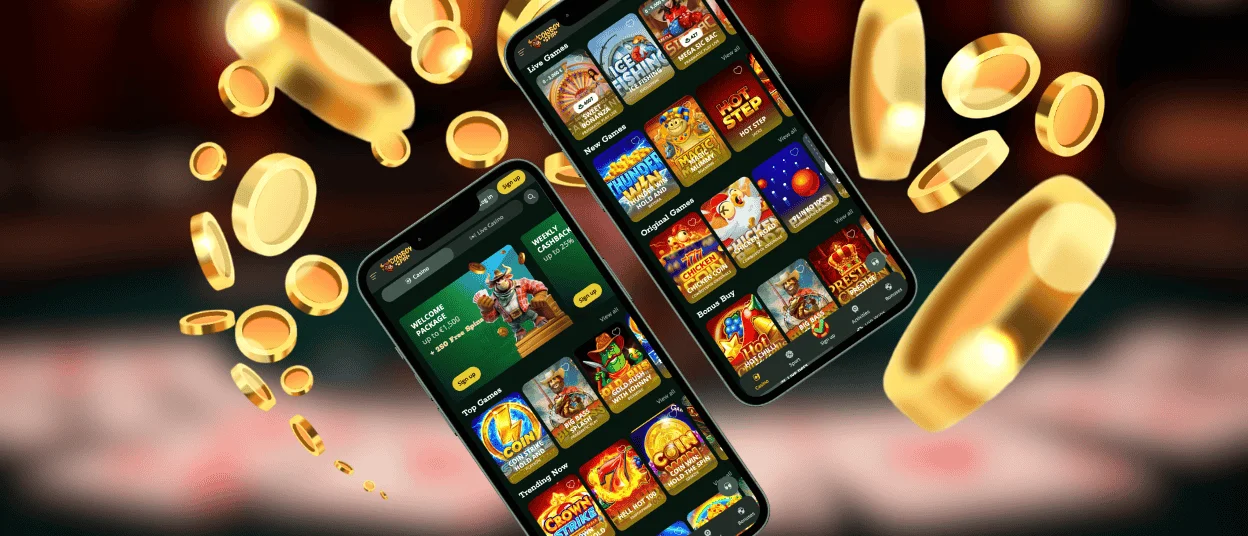
The Cowboyspin App offers the same and sometimes even an improved gaming experience as the desktop version. The functionality is exactly transferred from the desktop version, so be sure that you will not miss anything important. Our mobile casino has a gaming library that includes popular online slots and a diverse live casino section, as well as all other types of games. The Cowboyspin App is completely free and is available on both iOS and Android systems, and it can also be installed on a desktop.



Using Cowboyspin on Mobile
We have created mobile software so that when you take your eyes off the mobile game, you won’t feel the difference. The Cowboyspin App is a shortcut to launch our main version of the site; it’s called a Progressive Web Application (PWA). All the features and benefits of the desktop edition are also available. After installing the mobile software, you don’t need to do anything else or visit the website because the shortcut will remain on the home screen.
We compared the advantages of our Cowboyspin mobile version with the PC version, and here are the points we can highlight:
| Benefit | Description |
| Mobility | You don’t have to sit at your desk or even sit at all, because the mobile version of Cowboyspin Casino is always and everywhere available. Walking, traveling, and other activities will not interfere with your access. |
| Speed | Turning on the computer and sitting down at the table takes time. When there is no time and opportunity to do it, then the mobile application is always there for you; just pull the phone out of your pocket and get access to all the features of the Cowboy Spin platform in a matter of seconds. |
| Push Notifications | Be among the first to receive the latest information about new promotions and special offers at Cowboyspin Casino. Mobile notifications will keep you from missing anything important. |
Cowboyspin Android Mobile App
Getting access to the Cowboyspin App on Android is easy and does not require downloading third-party software. The PWA client goes directly to the web version of our website, so it doesn’t take up extra space on the device.
Here are a few steps to install the Cowboyspin Casino application on your Android device:
- Log in to the website through your device’s browser.
- Go to the browser settings and select the “Add to home screen” option.
- Click on the button and start the installation process.
- Return to the main screen and wait for the installation.
After these simple steps, when Cowboy Spin appears on your phone screen, you can log in to the application. Since you are logging in to your account, make sure you have completed the verification process, make your deposit using any method you prefer, and start playing. If you encounter any difficulties during any of the above steps, you can always contact our support team via live chat.
How Our App Works on Your Device
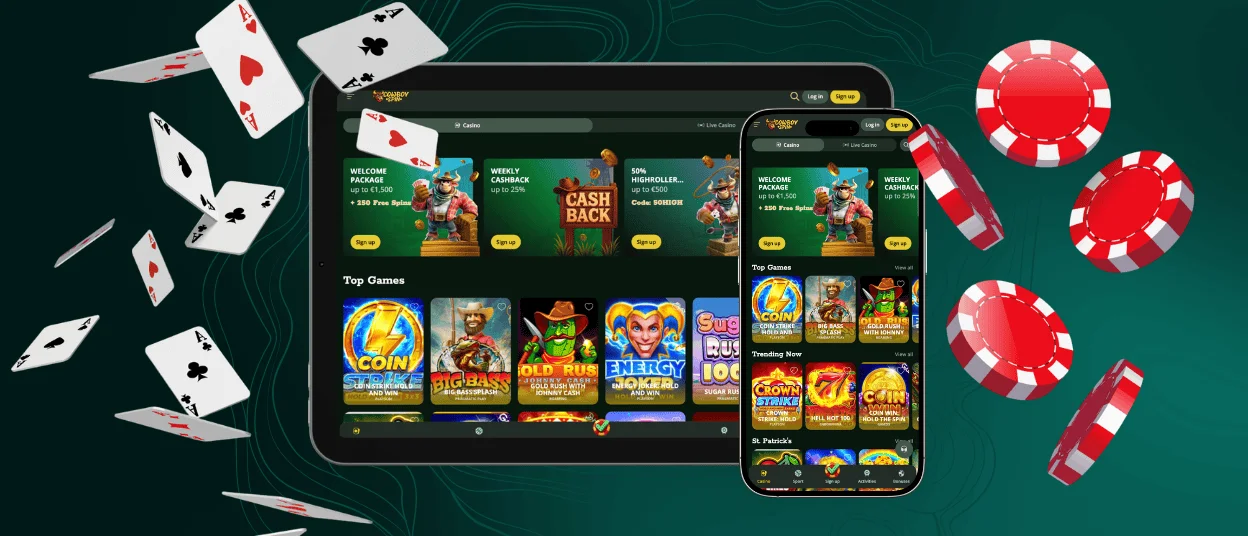
We found the progressive web application (PWA) format to be more user-friendly and secure, so we selected it. Our PWA app, unlike the Cowboyspin APK, does not take up space on your device, which also makes it a more preferred choice. The speed of information processing within the application is also much higher than in similar software, allowing you to access your favorite games faster.
Downloading files from third-party websites is very dangerous for your security because they may contain malware that can damage your device and compromise your personal information. Due to these reasons, the Cowboyspin Casino is only available in PWA format. Our PWA does the same thing but doesn’t put you at risk in these ways.
Cowboyspin iOS Mobile App
The process of installing Cowboy Spin on iOS is not complicated. It is almost the same as on Android, and it also does not require the App Store for download. All you need to do is open Cowboyspin Casino using the Safari browser, go to the browser settings, click on the “Add to home screen” button, and wait for the shortcut to appear.
Windows and macOS Applications
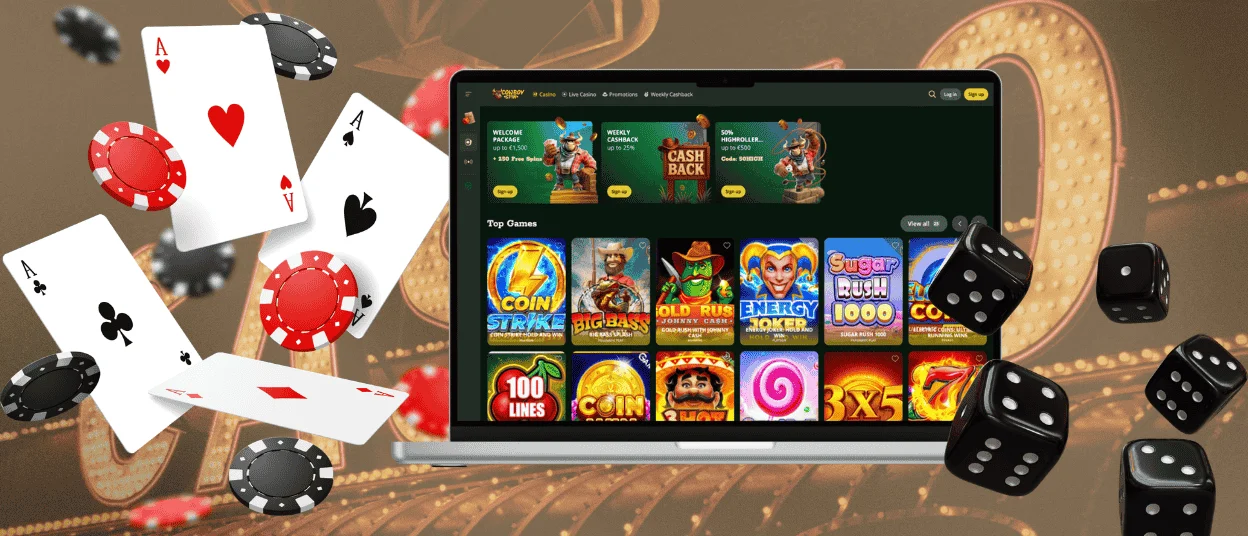
We have already mentioned that our software is available not only on mobile devices but also on Windows and macOS. The Cowboyspin App works perfectly on desktop devices, providing a faster and more optimized version compared to the web. Additionally, the app offers push notifications, ensuring that you never miss out on promotions and special events.
It’s very easy to download. Just go to our website and click the installation button in the address bar, which looks like an arrow on a computer screen. After that, press the button one more time, and you’re done.
FAQ
Is creating an account required to use the Cowboy Spin app?
Yes, you need to create an account at Cowboyspin Casino in order to use all of its features, such as playing real-money games, getting bonuses, and making payments. Our simplified form only needs an email address, a password, and some basic personal information to get you registered. The whole process takes about two minutes. Some games have a demo mode that you can play without making an account.
Does the Cowboy Spin Casino app offer customer support?
Yes, the Cowboyspin App gives you full access to our customer service team through 24/7 live chat and email. By tapping the chat icon, players can start a talk right away with a representative who can help them with technical, account, or payment questions in multiple languages. No matter what gadget you use, the gaming experience is fully supported.
How can I update the Cowboy Spin app?
When you start the Cowboyspin Casino PWA, the latest version loads automatically, so you don’t have to do anything else. All updates and new features can be used right away, without going to app stores or downloading programs. The background process works smoothly so players can always get the latest gaming experience with little work.


